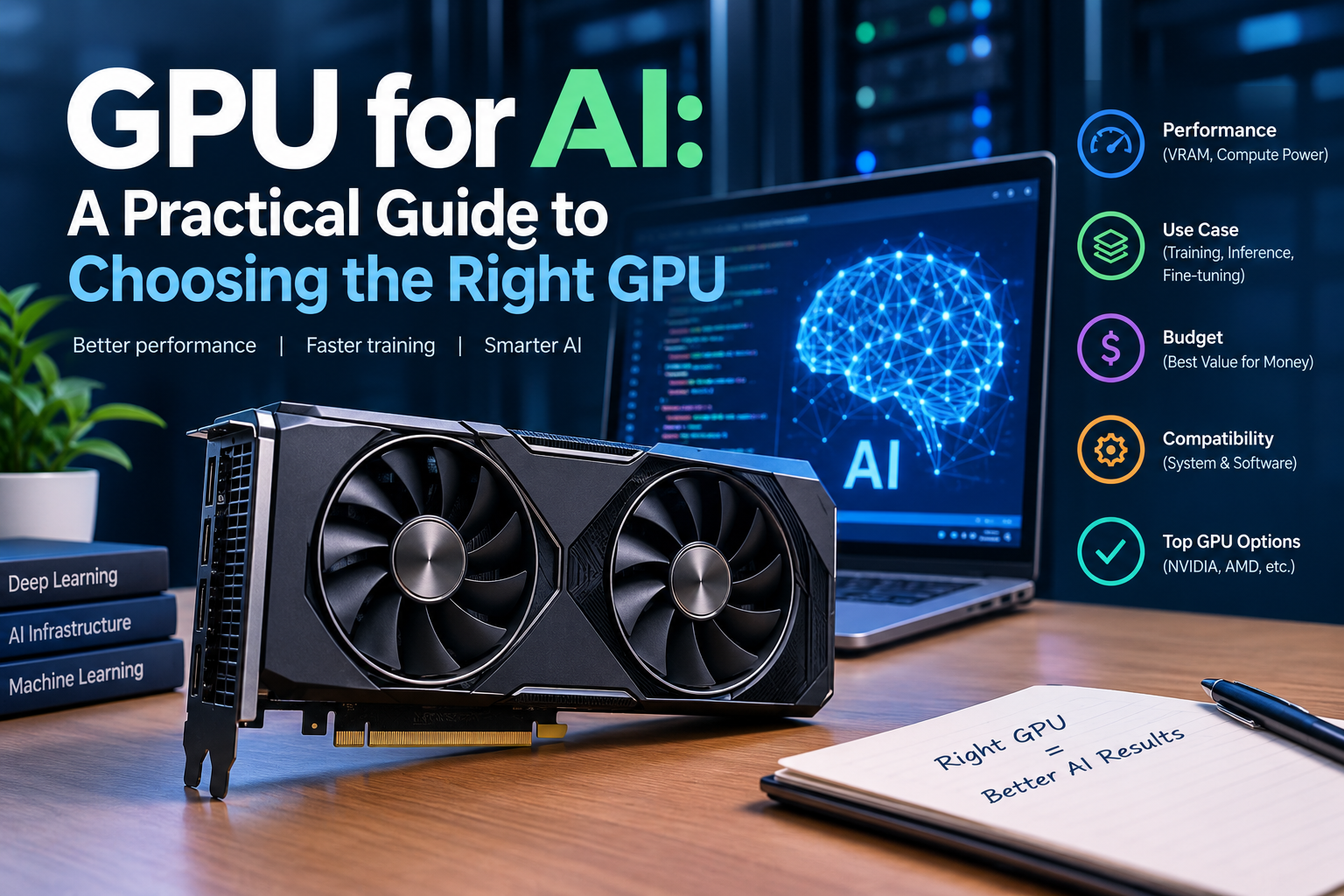
Search for GPU for AI, and you’ll quickly find hundreds of comparisons focused on TFLOPS, VRAM, clock speeds, and benchmark numbers. However, those specifications don’t always answer the question that matters most: Which GPU for AI actually fits your project, workload, and budget?
For example, a developer fine-tuning a 7B model does not have the same hardware requirements as a research team training a large model from scratch. Similarly, a production application running inference has a very different GPU for AI requirement from a laboratory performing large-scale distributed training.
Therefore, instead of simply comparing specifications, this guide focuses on how to choose a GPU for AI based on the actual job you need it to perform.
We’ll look at AI training, fine-tuning, inference, VRAM, cloud GPU pricing, software compatibility, multi-GPU scaling, and total ownership costs. In addition, we’ll explain the common mistakes that can make an apparently cheap GPU much more expensive in practice.
Choosing a GPU for AI Starts With the Workload
The first step when choosing a GPU for AI is surprisingly simple: identify the workload.
AI is not one single task. Instead, it includes several workloads with very different hardware requirements.
GPU for AI Training
Training a model from scratch requires substantial computing resources. During training, the GPU repeatedly processes large amounts of data while calculating gradients and updating model parameters.
As a result, training workloads can benefit from:
- High compute performance
- Large VRAM capacity
- High memory bandwidth
- Fast GPU-to-GPU communication
- Efficient data pipelines
- High-speed networking
For smaller custom models, however, you may not need a large cluster. A powerful consumer GPU for AI can be enough for many computer vision, NLP, and experimental projects.
GPU for AI Fine-Tuning
Fine-tuning is different from training a model from scratch. Instead of creating a model from zero, you start with an existing model and adapt it to your specific dataset.
For example, techniques such as LoRA and other parameter-efficient fine-tuning methods can significantly reduce hardware requirements.
Therefore, when selecting a GPU for AI for fine-tuning, VRAM often becomes more important than simply looking at peak FLOPS.
GPU for AI Inference
Inference means using an already-trained model to generate predictions or responses.
Unlike training, inference is often optimized around:
- Latency
- Throughput
- Concurrent users
- Cost per request
- Power efficiency
- Memory capacity
Consequently, the most powerful training GPU is not automatically the best GPU for AI inference.
Why the Best GPU for AI Depends on Your Project
There is no universal “best GPU for AI.”
Instead, the right choice depends on what you’re building, how frequently you’re running it, and how much performance you actually need.
For example, a student experimenting with small models might prioritize affordability. Meanwhile, a startup running daily fine-tuning jobs may prioritize VRAM and predictable cloud access.
In contrast, an enterprise serving thousands of users may care more about inference throughput, networking, reliability, and cost per request.
Therefore, always start with the workload rather than the GPU model.
GPU for AI for Students and Solo Developers
If you’re a student, researcher, or solo developer experimenting with AI, you probably don’t need an expensive data-center accelerator.
For smaller projects, GPUs such as an RTX 4060 Ti 16GB or RTX 4070 Super can provide a practical starting point.
Moreover, if you only run AI workloads occasionally, renting a cloud GPU may be more economical than purchasing hardware.
For example, instead of spending thousands of dollars on a dedicated workstation, you can rent an appropriate GPU for AI only when you need it.
This approach is particularly useful for:
- Learning machine learning
- Testing models
- Running small experiments
- Developing AI applications
- Testing quantization
- Learning fine-tuning
As a result, occasional users should calculate actual GPU hours before purchasing hardware.
GPU for AI for 7B–13B Model Fine-Tuning
For developers working with 7B–13B models, VRAM becomes a major consideration.
A 24GB GPU such as the RTX 4090 can be useful for many smaller fine-tuning workflows, particularly when LoRA or quantization is used.
However, the exact requirements depend on:
- Model architecture
- Precision
- Dataset size
- Batch size
- Sequence length
- Fine-tuning technique
- Optimizer
- Framework
Therefore, don’t assume that a model fitting into VRAM during inference will automatically fit during training.
Training often requires considerably more memory.
GPU for AI for Startups and Small Teams
For a startup regularly training or fine-tuning larger models, renting data-center GPUs can provide more flexibility.
An A100 80GB or H100 can be suitable for demanding workloads where memory capacity and compute performance are important.
Moreover, cloud infrastructure eliminates many of the operational problems associated with buying and maintaining high-end hardware.
For example, a startup can:
- Rent a GPU for AI when a training job starts.
- Run the workload.
- Store the resulting model.
- Shut down the GPU.
- Pay only for the resources used.
As a result, cloud GPUs can be especially useful when workloads are irregular.
GPU for AI for Production Inference
Production inference requires a different approach.
Instead of asking, “What is the fastest GPU?” ask:
How much does it cost to serve each request at the required latency?
For moderate inference workloads, GPUs such as the NVIDIA L4 or L40S can be worth considering.
However, the right GPU for AI inference depends on model size, quantization, batch size, concurrent requests, and latency targets.
Therefore, benchmark the actual model instead of relying exclusively on theoretical specifications.
Understanding GPU VRAM for AI
VRAM is one of the most important specifications when selecting a GPU for AI.
However, simply matching GPU memory to the model’s stated minimum requirement can create problems.
A model may fit during a basic inference test but fail during fine-tuning because additional memory is required for activations, gradients, optimizer states, and other components.
Why GPU VRAM for Deep Learning Matters
When evaluating GPU VRAM for deep learning, consider:
- Model parameters
- Precision
- Batch size
- Context length
- KV cache
- Activations
- Gradients
- Optimizer states
- Framework overhead
In addition, leave some headroom instead of running the GPU at its absolute memory limit.
This is important because an out-of-memory error can stop an otherwise correctly configured AI workload.
GPU for AI and Quantization
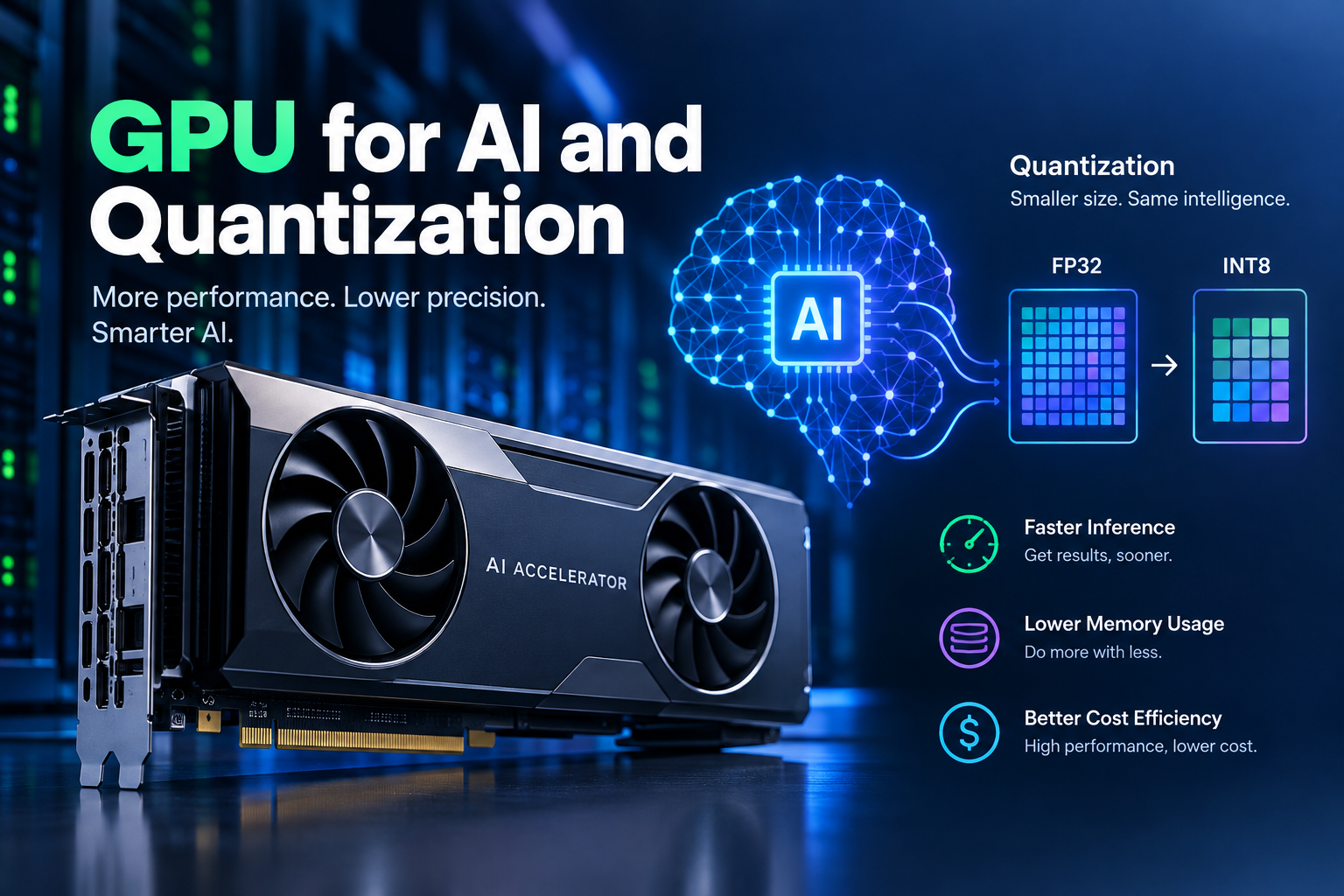
Quantization can reduce the memory requirements of AI models by representing weights or other data at lower precision.
For example, INT8 and INT4 representations can allow larger models to run on GPUs with less VRAM.
However, there can be an accuracy or quality trade-off.
Therefore, quantization should be tested on your actual model and task before you purchase a GPU for AI based entirely on the assumption that quantization will solve your memory requirements.
Why TFLOPS Alone Cannot Choose Your GPU for AI
GPU comparison pages often focus heavily on TFLOPS.
However, theoretical compute performance does not automatically translate into application performance.
For instance, two GPUs can have very different theoretical performance numbers but produce different results depending on:
- Precision
- Memory bandwidth
- Software optimization
- Model architecture
- Kernel implementation
- Batch size
- Workload type
Therefore, when comparing a GPU for AI, look at the complete hardware and software environment.
FP32, FP16, FP8, and Lower Precision
Precision has a major impact on AI performance and memory usage.
FP32 provides higher numerical precision but generally requires more memory and compute resources than lower-precision formats.
Meanwhile, FP16 and BF16 are widely used in modern machine-learning workloads, while FP8 and other lower-precision formats can provide additional performance on compatible hardware.
However, the headline performance number is meaningful only when your workload can actually use that precision.
Consequently, don’t select a GPU for AI simply because its marketing specification has the largest number.
NVIDIA GPU for AI and Software Compatibility
Hardware is only part of the decision.
The software ecosystem can have an equally important effect on your productivity.
NVIDIA GPUs benefit from the mature CUDA ecosystem, which is widely supported across AI frameworks and libraries.
For developers, this can mean:
- More tutorials
- Broad framework support
- Extensive documentation
- More community troubleshooting
- Large numbers of optimized libraries
Therefore, CUDA compatibility can be an important factor when choosing an NVIDIA GPU for AI.
AMD GPU for AI and ROCm
AMD’s ROCm ecosystem has developed significantly and supports many modern AI workloads.
However, compatibility can vary depending on the framework, library, driver, and specific operation.
As a result, teams considering an AMD GPU for AI should test their actual software stack before switching hardware.
The lower purchase price of hardware may not be beneficial if software compatibility creates additional engineering work.
GPU vs TPU for AI Workloads
Another common question is GPU vs TPU.
GPUs are highly flexible and support a broad range of AI and general-purpose workloads.
TPUs, meanwhile, are specialized accelerators designed primarily around machine-learning workloads and Google’s infrastructure.
Therefore, the appropriate accelerator depends on your framework, cloud environment, model, and deployment requirements.
Neither should be selected simply because it has a larger theoretical performance figure.
Cloud GPU for AI Training
For many developers and businesses, renting a cloud GPU for AI training can be more practical than buying hardware.
Cloud providers allow users to scale resources according to demand.
For example, you might rent an A100 for several hours during experimentation and then use a larger accelerator for a demanding training run.
In addition, cloud rental can eliminate:
- Upfront hardware costs
- Server assembly
- Cooling infrastructure
- Hardware maintenance
- Long-term idle capacity
However, cloud pricing varies significantly between providers and pricing models.
Therefore, always calculate the total cost for your actual workload.
Renting vs Buying a GPU for AI
The rental-versus-purchase decision depends largely on utilization.
For occasional workloads, renting is often attractive because you pay only for the hours you use.
On the other hand, continuous workloads can justify ownership if you already have suitable infrastructure.
A simple comparison is:
Rental cost = GPU hourly price × GPU hours used
Meanwhile:
Ownership cost = hardware + system + electricity + cooling + maintenance − residual value
Therefore, don’t compare only the purchase price with the hourly rental rate.
Instead, compare the total cost over the period in which you expect to use the GPU for AI.
The Real Cost of a GPU for AI
Suppose you rent an A100 80GB for a fine-tuning project.
If the workload takes several hours, the total cost may be relatively small compared with purchasing and maintaining the hardware.
However, if that same GPU runs continuously for months, the calculation changes.
Consequently, the most useful metric is often:
Cost per useful output
That could mean:
- Cost per training run
- Cost per epoch
- Cost per 1,000 inference requests
- Cost per generated token
- Cost per completed experiment
As a result, a GPU with a lower hourly price is not necessarily the cheaper GPU for AI if it takes significantly longer to complete the workload.
Multi-GPU AI Training
Once you move beyond one GPU, networking and interconnects become increasingly important.
NVLink can provide high-bandwidth communication between compatible NVIDIA GPUs.
Similarly, InfiniBand can be important for communication between systems in distributed training environments.
Therefore, an eight-GPU system should not be evaluated simply by multiplying the performance of one GPU by eight.
Communication overhead, synchronization, storage, and networking can affect scaling.
Why NVLink Matters for a GPU for AI Cluster
If you’re building a multi-GPU training environment, investigate how the GPUs communicate.
Two systems can both advertise eight H100 GPUs while having different networking configurations.
As a result, the real-world training performance can differ considerably.
Therefore, when evaluating a multi-GPU GPU for AI system, check:
- NVLink configuration
- PCIe topology
- InfiniBand
- Network bandwidth
- CPU resources
- Storage performance
- GPU memory
- Cooling
- Power availability
Common GPU for AI Mistakes
Several mistakes repeatedly increase AI infrastructure costs.
Buying a Training GPU for Inference
A large training accelerator may be unnecessary for a small inference workload.
Instead, benchmark a lower-cost inference-oriented GPU first.
Ignoring VRAM Headroom
A model that barely fits into memory can become unusable when batch size or context length increases.
Therefore, leave sufficient VRAM headroom.
Focusing Only on TFLOPS
Theoretical performance does not represent every real-world AI workload.
Always consider memory bandwidth, precision, software, and model architecture.
Ignoring Software Compatibility
A cheaper GPU can become expensive if your software requires significant compatibility work.
Therefore, check your frameworks before purchasing.
Using On-Demand GPUs for Constant Workloads
If your workload runs every day, investigate reserved or other discounted pricing models.
In contrast, occasional workloads may benefit from flexible hourly rental.
Ignoring Electricity and Cooling
When buying a high-end GPU for AI, remember that electricity and cooling are ongoing costs.
The more GPUs you operate, the more important these costs become.
How We Evaluate a GPU for AI
Choosing an AI accelerator should involve more than reading a specification sheet.
For this guide, we evaluate GPUs according to practical workload factors rather than creating a simple performance ranking.
Our methodology considers:
- Training requirements
- Fine-tuning requirements
- Inference requirements
- VRAM capacity
- Memory bandwidth
- Precision support
- Software ecosystem
- Cloud availability
- Rental economics
- Power consumption
- Cooling requirements
- Multi-GPU connectivity
- Cost per useful output
Moreover, we distinguish between theoretical specifications and the performance you can reasonably expect from a particular workload.
Our Experience With GPU Selection
Real-world GPU selection requires understanding how hardware behaves under different AI workloads.
For example, a GPU with substantial compute capacity may still be unsuitable if its VRAM is insufficient for the target model.
Similarly, a lower-cost GPU can sometimes provide better economics for inference when its throughput and power consumption match the application’s requirements.
Therefore, our approach focuses on workload fit rather than simply identifying the GPU with the largest specification.
Why This GPU for AI Guide Is Practical
The purpose of this guide is not to declare one product the universal winner.
Instead, it provides a framework that developers, researchers, startups, and businesses can use to evaluate their own requirements.
Because GPU specifications, cloud prices, software support, and availability change over time, current pricing and specifications should always be verified before purchasing or renting hardware.
Best GPU for Machine Learning by Scenario
The best GPU for machine learning depends on the workload, budget, model size, utilization, and software environment.
| Your situation | Reasonable starting point |
| Learning and small experiments | RTX 4060 Ti 16GB or RTX 4070 Super |
| Fine-tuning 7B–13B models | RTX 4090 or rented A100 |
| Regular larger-model fine-tuning | A100 80GB or H100 |
| Moderate production inference | L4 or L40S |
| Large-scale training | H100/H200 cluster |
| Frontier-scale workloads | B200/GB200-class infrastructure |
These are starting points rather than universal recommendations. In addition, actual performance should be tested against your model and workload.
GPU for AI Decision Checklist
Before purchasing or renting a GPU for AI, ask the following questions:
What Am I Running?
Is it training, fine-tuning, inference, computer vision, generative AI, or another workload?
How Large Is the Model?
Consider both parameter count and actual precision.
How Much VRAM Do I Need?
Include batch size, context length, KV cache, gradients, and optimizer states where applicable.
How Often Will I Use the GPU?
Occasional workloads and 24/7 workloads have very different economics.
Do I Need Multiple GPUs?
If yes, investigate NVLink, InfiniBand, PCIe topology, and networking.
Does My Software Support the GPU?
Check CUDA, ROCm, framework versions, libraries, and required kernels.
Should I Rent or Buy?
Calculate the total cost rather than comparing only the purchase price.
Final Thoughts: Choosing the Right GPU for AI
Most people searching for a GPU for AI do not necessarily need the most expensive accelerator available.
Instead, they need hardware that matches their actual workload, provides enough VRAM headroom, supports their software, and makes financial sense at their expected utilization.
Therefore, start with the job.
Next, estimate the memory requirement. Then evaluate compute performance, software compatibility, rental or ownership costs, and, finally, the expected useful output.
Whether you’re a student running experiments, a developer fine-tuning a model, a startup deploying inference, or a research team building a large training cluster, the right GPU for AI depends on the complete workload rather than one specification.
In short, don’t ask only:
“Which GPU is the fastest?”
Instead, ask:
“Which GPU for AI gives my workload the performance, memory, reliability, and cost efficiency it actually needs?”
Once you answer that question, your shortlist becomes much clearer.
Ready to Choose Your GPU for AI?
If you’re still comparing options, evaluate your model size, VRAM requirements, expected GPU hours, and workload type first. Then compare available GPU pricing and performance against your actual requirements before committing to a purchase or rental.
Want to rent a GPU? Click here to explore our GPU servers and pricing.