
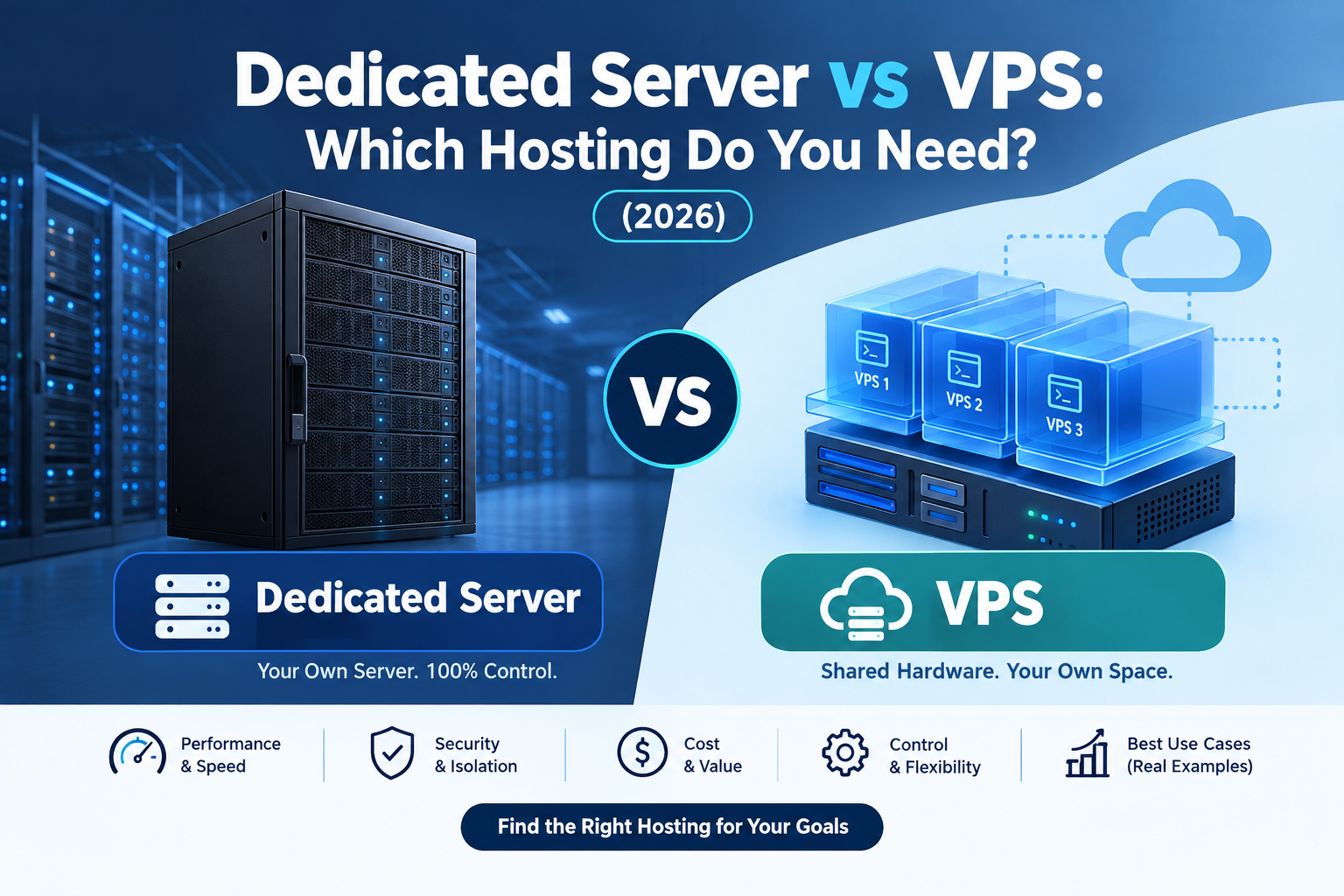
If you’re comparing Dedicated Server vs VPS hosting, the decision usually comes down to how much performance, control, scalability, and budget flexibility your website actually needs.
A VPS (virtual private server) gives you an isolated virtual environment on a physical server shared with other customers. In contrast, a dedicated server gives you the entire physical machine exclusively for your workloads. Therefore, both hosting options can run websites, applications, databases, SaaS platforms, and business systems, but they are designed for different requirements.
For most small businesses, startups, agencies, and growing websites, a properly configured VPS can provide plenty of performance at a lower cost. However, a dedicated server becomes more relevant when workloads require consistently high resources, predictable performance, specialized hardware, or physical isolation.
In this guide, we’ll compare Dedicated Server vs VPS hosting based on performance, cost, security, scalability, and different business use cases. As a result, you’ll have a clearer idea of which hosting environment fits your website.
Dedicated Server vs VPS: What’s the Difference?
First of all, it’s important to understand the basic difference between these two hosting environments.
A dedicated server, also known as a bare metal server, is a physical machine rented exclusively to one customer. Therefore, you get access to the server’s CPU, RAM, storage, and network resources without sharing the underlying hardware with other customers.
On the other hand, a VPS (virtual private server) is a virtualized environment created on a physical server. A hypervisor divides the physical machine into multiple isolated virtual machines. As a result, each VPS can have its own operating system, allocated CPU resources, RAM, storage, and root access.
In simple terms:
- A dedicated server gives you an entire physical machine.
- A VPS gives you an isolated virtual environment.
- A dedicated server provides exclusive hardware resources.
- A VPS shares the underlying physical hardware with other virtual machines.
- Both can provide root access and server-level customization.
Therefore, the main difference between Dedicated Server vs VPS is how the underlying physical resources are allocated.
How Does a Dedicated Server Work?
To understand Dedicated Server vs VPS more clearly, let’s look at how dedicated hosting works.
When you rent a dedicated server, your applications run directly on physical hardware assigned to your account. Unlike a VPS, there are no other customers using the same physical machine.
Depending on the provider and plan, you may receive:
- Dedicated CPU cores
- Dedicated RAM
- SSD or NVMe storage
- Full root or administrator access
- Custom operating system installation
- RAID configuration options
- Hardware-level configuration
- High-speed network connectivity
As a result, dedicated servers can be useful for applications that require sustained CPU, RAM, or storage performance.
For example, a business running a large database with continuous read/write activity may benefit from dedicated hardware because its storage resources aren’t shared with other customers.
How Does a VPS Work?
Next, let’s look at how a VPS works.
A VPS provider uses virtualization software, usually a hypervisor, to divide one physical server into multiple virtual environments.
Each virtual private server operates independently from the others. In addition, you can normally install your own operating system, configure applications, manage users, install software, and access the server through SSH or another remote management method.
However, the physical hardware is still shared.
This means a VPS can provide many of the benefits of a dedicated environment while keeping the cost lower. Therefore, VPS hosting is often suitable for websites and applications that need more control than shared hosting but don’t yet require an entire physical server.
KVM VPS vs Container-Based VPS
Another important factor in Dedicated Server vs VPS comparisons is virtualization technology.
KVM (Kernel-based Virtual Machine) provides hardware-level virtualization. Each virtual machine has its own kernel and operates as an independent virtual machine.
By comparison, container-based virtualization technologies such as LXC share the host operating system kernel.
Therefore, when comparing VPS plans, don’t look only at CPU and RAM numbers. Instead, ask:
- Are CPU resources dedicated or shared?
- Is RAM guaranteed?
- What type of virtualization is used?
- Are storage IOPS guaranteed?
- Does the provider oversell its infrastructure?
- What happens when the physical host experiences high utilization?
These questions can help you understand the real performance of a VPS.
Dedicated Server vs VPS: Side-by-Side Comparison
Now that we’ve covered the basics, let’s compare Dedicated Server vs VPS across the most important factors.
| Factor | VPS | Dedicated Server |
| Infrastructure | Virtualized environment on shared physical hardware | Entire physical server |
| Typical cost | Generally lower | Generally higher |
| Setup time | Usually minutes | Usually longer |
| Scalability | Usually easy to resize | Often requires hardware upgrade or migration |
| Performance | Strong when properly provisioned | Consistently high with exclusive hardware |
| Resource sharing | Underlying hardware is shared | Hardware is exclusively yours |
| Root access | Usually available | Usually available |
| Hardware control | Limited | Extensive |
| Best suited for | Websites, SaaS, agencies, startups, moderate workloads | High-resource and specialized workloads |
As you can see, VPS hosting focuses more on flexibility and affordability, whereas dedicated hosting provides greater hardware control and resource exclusivity.
Dedicated Server vs VPS Performance: What Changes?
Performance is one of the most important factors when comparing Dedicated Server vs VPS.
However, the difference isn’t simply that dedicated servers are fast and VPS servers are slow. Instead, actual performance depends on CPU allocation, RAM, storage technology, virtualization, network capacity, and workload characteristics.
CPU Performance
A properly provisioned VPS can deliver strong CPU performance for websites, APIs, databases, and other applications.
However, the difference becomes more noticeable when a workload requires sustained maximum CPU utilization.
On a VPS, the underlying physical CPU is shared between multiple virtual machines. Therefore, depending on the provider’s resource allocation model, other workloads can affect available CPU time.
Linux users can monitor CPU steal time using tools such as top or vmstat.
By contrast, a dedicated server eliminates this particular type of contention because the physical CPU is reserved for your workloads.
Storage and Disk I/O
Storage performance is another important consideration in Dedicated Server vs VPS hosting.
A VPS may use shared physical storage or dedicated virtual storage, depending on the provider’s infrastructure. Consequently, storage performance can vary when multiple workloads compete for resources.
NVMe storage and properly configured I/O limits can improve consistency.
Meanwhile, a dedicated server with its own NVMe drives provides direct access to physical storage devices. Therefore, dedicated hardware can be useful for databases and applications with heavy read/write workloads.
Network Performance
Network performance is usually less important than CPU or storage for ordinary websites.
Both VPS and dedicated servers can offer high-speed network connectivity. Nevertheless, you should check the provider’s:
- Port speed
- Bandwidth allowance
- Traffic limits
- Network redundancy
- Data-center connectivity
For large file transfers, streaming, backups, and high-volume APIs, these specifications can make a significant difference.
Dedicated Server vs VPS Cost: Which Costs More?
Cost is another major consideration when comparing Dedicated Server vs VPS hosting.
Generally, VPS hosting has a lower entry price because multiple customers share the underlying physical infrastructure.
In contrast, dedicated hosting costs more because one customer pays for an entire physical machine.
However, monthly pricing isn’t the only factor you should consider.
Managed Hosting and Support
For example, managed hosting can change the total cost of running your server.
Some providers include:
- Server monitoring
- Security updates
- Backups
- Control panels
- Technical support
- Server optimization
Others charge separately for these services.
Therefore, when comparing VPS and dedicated plans, check whether managed support is included or whether you’ll need a system administrator.
Bandwidth and Additional Costs
Furthermore, look beyond the advertised monthly price.
Check:
- Monthly bandwidth allowance
- Port speed
- Backup charges
- IPv4 charges
- Storage expansion costs
- Traffic overage fees
- Managed support costs
As a result, a lower-priced VPS can sometimes become more expensive when additional resources and services are added.
Scaling Costs
VPS hosting generally makes it easier to increase CPU, RAM, or storage.
For example, you may be able to upgrade your VPS through a control panel without moving to a completely different physical machine.
On the other hand, scaling a dedicated server may require a hardware upgrade or migration.
Therefore, businesses with unpredictable growth may value VPS flexibility more than maximum hardware capacity.
Dedicated Server vs VPS for Security and Compliance
Security is another important part of the Dedicated Server vs VPS comparison.
Both hosting environments can be secure when properly configured. However, neither option automatically makes an application secure.
Important security controls include:
- Strong authentication
- Regular security updates
- Firewalls
- Encryption
- Access controls
- Network segmentation
- Monitoring
- Audit logging
- Secure backups
- Incident response procedures
Physical vs Logical Isolation
A VPS primarily relies on logical isolation between virtual machines.
A dedicated server, meanwhile, provides physical isolation because the entire machine belongs to one customer.
Therefore, organizations with a specific requirement for single-tenant hardware may prefer dedicated infrastructure.
However, compliance requirements depend on the applicable framework, contracts, data, and security controls. The server type alone does not determine whether an organization is compliant.
Dedicated Server vs VPS for Scalability
Scalability is one area where VPS hosting can be particularly convenient.
A VPS can often be resized through a hosting control panel or API. Depending on the provider, upgrades may require only a short restart or may support minimal interruption.
As a result, VPS hosting can be useful for businesses with changing workloads.
For example, an eCommerce website may need additional resources during a major promotional campaign and fewer resources during quieter periods.
Scaling a Dedicated Server
Scaling dedicated infrastructure is different.
You may need to:
- Upgrade the existing hardware.
- Move to a larger physical server.
- Add additional servers.
- Build a load-balanced architecture.
Some providers offer rapid dedicated-server provisioning. However, hardware availability can affect how quickly an upgrade can happen.
Dedicated Server vs VPS for Disaster Recovery
Disaster recovery should also be considered when comparing Dedicated Server vs VPS.
If a VPS host experiences a hardware failure, a provider with redundant infrastructure may be able to restore or migrate the virtual machine to another physical host.
With a dedicated server, a hardware failure may require physical diagnosis and component replacement.
Therefore, ask your provider about:
- Backup systems
- Hardware replacement
- Recovery procedures
- Recovery time objectives
- Recovery point objectives
- SLA terms
In addition, maintain independent backups rather than relying entirely on the hosting provider.
Dedicated Server vs VPS for Startups and Small Businesses
For startups and small businesses, VPS hosting can provide a useful balance between cost, performance, and flexibility.
You can use a VPS for:
- Business websites
- WordPress websites
- Web applications
- APIs
- Small SaaS platforms
- Development environments
- Databases
- Client websites
Furthermore, you can increase resources as your website grows.
This means you don’t necessarily need to purchase an entire physical server before your application requires it.
Dedicated Server vs VPS for eCommerce Websites
For eCommerce websites, the right choice depends heavily on traffic and workload.
A properly configured VPS can support many online stores, particularly when combined with:
- CDN
- Page caching
- Database optimization
- Image optimization
- Efficient application code
However, consistently high traffic and heavy database workloads may eventually require dedicated infrastructure.
For seasonal traffic, VPS hosting can also be useful because resources can often be increased temporarily.
On the other hand, a dedicated server can provide more consistent physical resources for workloads that remain heavy throughout the year.
Dedicated Server vs VPS for Developers and Agencies
Developers and agencies can use VPS hosting to create separate:
- Development environments
- Testing environments
- Staging environments
- Production environments
In addition, containerization can help isolate multiple applications running on the same VPS.
If you manage multiple client websites, automation through APIs and hosting management panels can also reduce repetitive administrative work.
Dedicated servers may become useful when an agency’s applications require substantial resources or specialized hardware.
Dedicated Server vs VPS for High-Traffic Applications
High-traffic and data-intensive applications can place significant demands on infrastructure.
Examples include:
- Large databases
- High-volume applications
- Data processing systems
- Video processing
- AI and machine-learning workloads
- Specialized enterprise applications
In these situations, dedicated hardware can provide exclusive CPU, RAM, and storage resources.
However, traffic volume alone shouldn’t determine your decision. Instead, monitor actual resource utilization and application performance.
Dedicated Server vs VPS: The Hybrid Approach
Interestingly, you don’t always have to choose one hosting model.
A hybrid architecture can combine VPS and dedicated infrastructure.
For example:
Dedicated database server → VPS application servers → Load balancer → CDN → Users
In this setup, the database can run on dedicated hardware where consistent storage performance is important, while the application layer uses VPS instances for flexibility.
Alternatively, you can run multiple VPS instances behind a load balancer.
As a result, individual VPS instances can be replaced or scaled without necessarily affecting the entire application.
How to Choose Between Dedicated Server and VPS
Before choosing between Dedicated Server vs VPS, consider these five questions.
1. Is Your Traffic Predictable or Variable?
If your workload is highly variable or seasonal, VPS hosting can provide useful scaling flexibility.
If your workload requires consistently high resource usage, dedicated infrastructure may be worth evaluating.
2. Are You Reaching Your VPS Resource Limits?
Monitor:
- CPU usage
- RAM usage
- Disk I/O
- CPU steal time
- Network usage
- Application response time
If you consistently reach resource limits even after optimization, compare the cost of upgrading your VPS with dedicated infrastructure.
3. Do You Require Physical Isolation?
If a specific contract, organizational policy, or regulatory requirement calls for single-tenant hardware, a dedicated server may be necessary.
4. Who Will Manage Your Server?
Consider whether you have an internal technical team or need managed VPS hosting or managed dedicated hosting.
Server management includes security updates, backups, monitoring, troubleshooting, and recovery.
5. Does Performance Consistency Matter?
If small changes in CPU or storage latency have a significant impact on your application, dedicated hardware may be worth evaluating.
For less demanding applications, a properly configured VPS may provide sufficient performance.
Dedicated Server vs VPS: Frequently Asked Questions
What Is the Main Difference Between Dedicated Server vs VPS?
The main difference is physical resource allocation. A VPS provides an isolated virtual environment on shared physical hardware, while a dedicated server gives one customer exclusive use of an entire physical machine.
Is a VPS Good Enough for Production?
Yes. A properly configured VPS can support many production websites, web applications, SaaS platforms, APIs, and databases.
However, you should monitor CPU, RAM, storage performance, and application response times as your workload grows.
Can I Be HIPAA or PCI Compliant on a VPS?
Potentially, yes. Compliance depends on the required controls, provider agreements, security configuration, data handling, access controls, encryption, and logging.
Therefore, the server type alone doesn’t determine compliance.
How Do I Know If I’ve Outgrown My VPS?
Look for consistently high CPU or RAM usage, persistent CPU steal time, storage latency, frequent resource upgrades, and application performance problems.
If these issues continue after optimization, it may be time to evaluate a different hosting architecture.
What’s Cheaper: VPS or Dedicated Server?
VPS hosting generally has a lower entry cost, while dedicated hosting provides an entire physical machine at a higher cost.
However, the long-term cost depends on resource utilization, upgrades, management, backups, bandwidth, and other services.
Can I Upgrade From VPS to Dedicated Without Downtime?
You can often achieve very low downtime with careful planning.
Provision the dedicated server in advance, synchronize your data, test the application, perform the final synchronization, and then switch traffic.
For large databases, replication can help reduce downtime.
Final Thoughts on Dedicated Server vs VPS
Ultimately, the Dedicated Server vs VPS decision should be based on your actual workload rather than simply choosing the most powerful option.
A VPS provides flexibility, scalability, and a lower entry cost for many websites, startups, agencies, and applications.
A dedicated server provides exclusive physical resources and greater hardware control for workloads that require sustained performance, specialized configurations, or physical isolation.
Therefore, start by reviewing your CPU, RAM, storage, bandwidth, traffic, security requirements, and expected growth.
As your website grows, continue monitoring your infrastructure. If your requirements change, you can migrate from VPS to dedicated hosting or adopt a hybrid architecture when necessary.
Not sure which hosting setup fits your workload? Compare dedicated server plans and VPS hosting against your requirements.