GPU Server for Stable Diffusion
“Stop waiting for renders. Start creating masterpieces with enterprise-grade NVIDIA GPUs optimized for AI art generation.”
What is a Good GPU for Stable Diffusion?
A GPU server for Stable Diffusion offloads your local machine by using a powerful remote system, enabling you to:
- Experience Lightning-Fast Rendering:
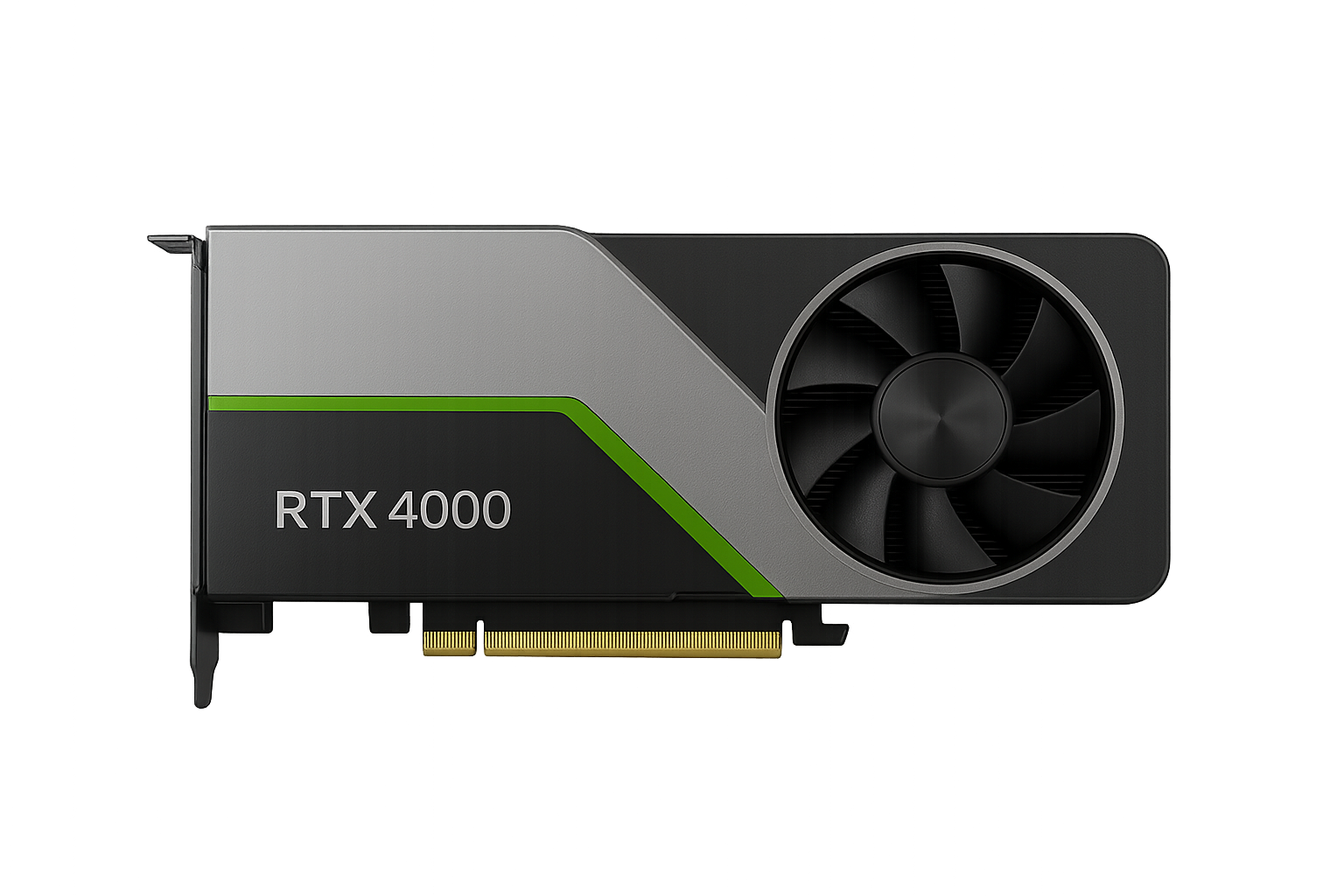
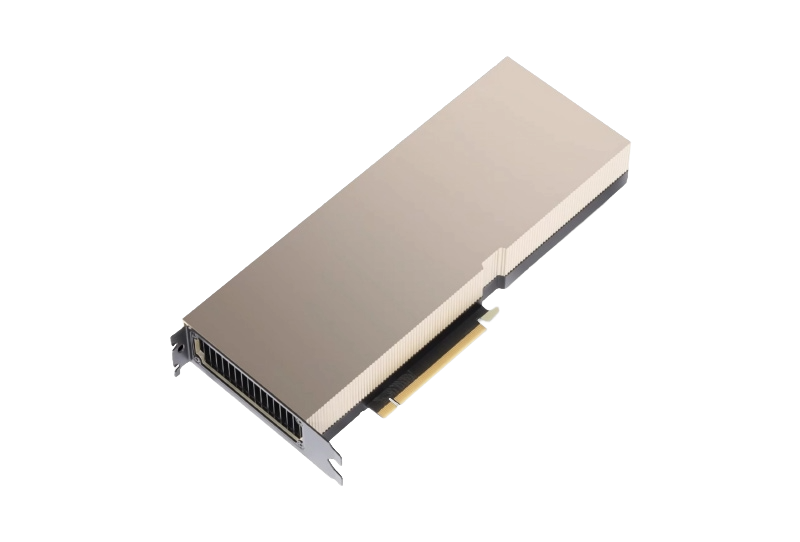
With high-end GPUs like the RTX 6000 or NVIDIA A100 80 GB, you can achieve remarkable speed gains, saving you valuable time compared to mid-range options. - Unlock Larger Models:
With up to 80GB of VRAM, our servers enable you to run SDXL, multiple LoRAs, and high-resolution workflows seamlessly, eliminating the frustration of out-of-memory errors. - Enjoy Flexible Remote Access:
With SSH or remote desktop connections, you can work from anywhere while keeping your local machine free for browsing, design, or other tasks. - Scale Effortlessly on Demand:
Need extra power for an important project? Easily upgrade to a more robust GPU or add another server, ensuring you have the resources you require when you need them.
GPU servers are perfect for
Whether you’re a digital artist, a studio, or a hobbyist, our GPU servers are your ideal creative partner. We remove hardware limitations, allowing you to focus on bringing your imagination to life. Generate stunning character portraits, build worlds, or train models in your unique style with the power of enterprise-grade GPUs. No matter your project’s size, we offer the seamless, scalable power you need.
FAQ – Stable Diffusion GPU Servers
Which GPU is best for Stable Diffusion?
If you require extensive VRAM for SDXL, large batch jobs, or training, the A100 with 40GB or 80GB is ideal.
Can I run other AI tools besides Stable Diffusion?
Yes, you can operate other generative models, LLMs, training scripts, and GPU rendering workloads on the same server, provided they comply with the AUP.
Can I upgrade or downgrade later?
Yes, you can upgrade to a more powerful GPU or downgrade once your project is complete. Please contact support, and we’ll schedule a migration window.
Where are your servers located?
Our servers are hosted in The netherlands datacenters with strong privacy and data protection standards.
Talk to a GPU Expert
Office
1235 Divi St. #1000
San Francisco, CA 94143
Hours
M-F: 8am – 10pm
S-S: Closed
Call Us
(235) 396-0987